
Balloon Navigator

You can access user account menu from the header or shortcut ALT + U. New window will appear:
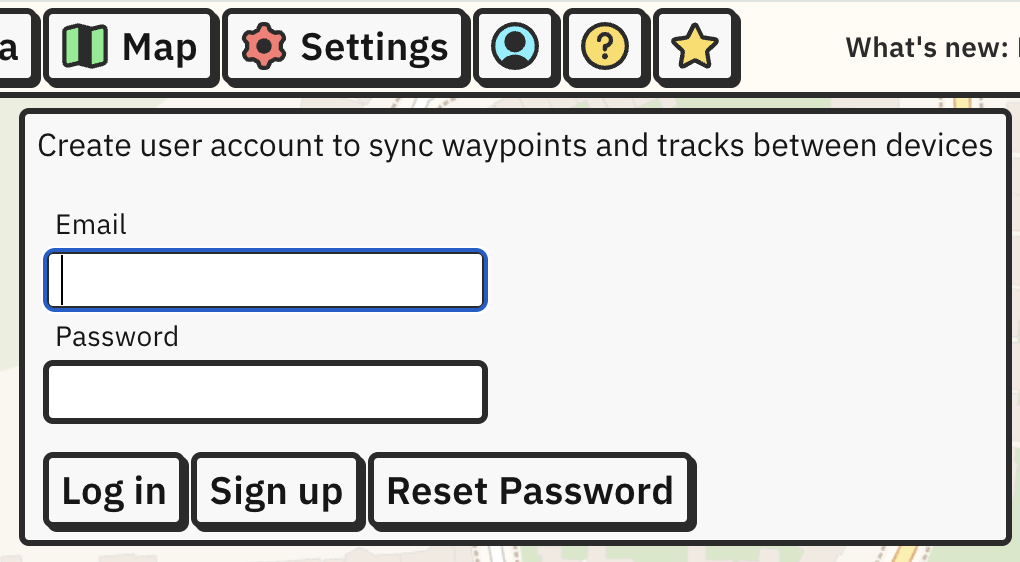
From here, you can sign up for a new account or log in to existing one. New account requires clicking on a link in email message to confirm email address.
After you login for the first time, all your waypoints will be assigned to this account and start syncing to Balloon Navigator online database.
All new waypoints will be synced to server in real-time as long as you are connected to the internet.
Tracks are synced for Pro users.
Additional two-way sync happens on app launch and every 1 hour. You can also trigger a manual sync by clicking Sync now button on User account panel (it’s visible only when logged in) or with ALT+V:
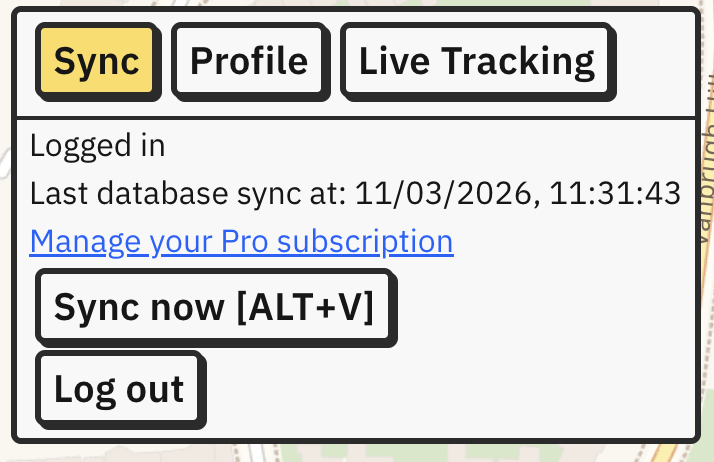
You can be logged in to sync on multiple devices at the same time. For example, you can have two people entering waypoints during pre-flight briefing to make it faster, or ground crew can create or edit points for pilot during flight. The other device only needs to do a manual sync (ALT+V) afterwards, or wait for auto-sync.
Synced waypoints and tracks are assigned to logged in user. If you login using different email, you will not be able to sync objects created before, on previous account (they will stay in app on your device, but won’t be updated to/from server). Newly created waypoints and tracks will start syncing under new user account.
You can update your name and balloon registration on Profile tab in User Account menu.
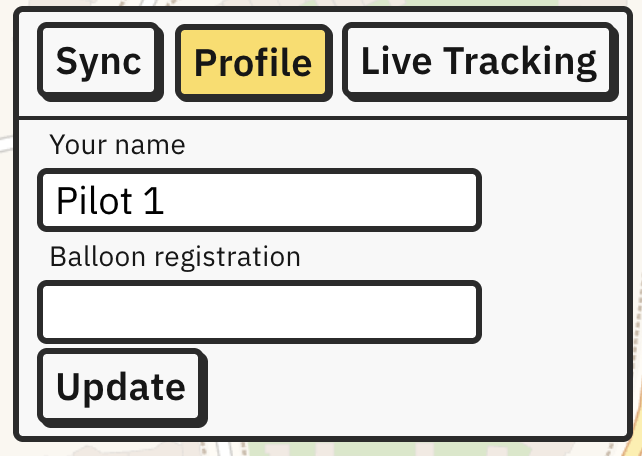
Your name will be visible on other pilots’ maps when live tracked (see Live Tracking).