
Balloon Navigator
Live tracking allows you to see other users on the map, track their flight path and see flight details such as altitude, speed and heading.
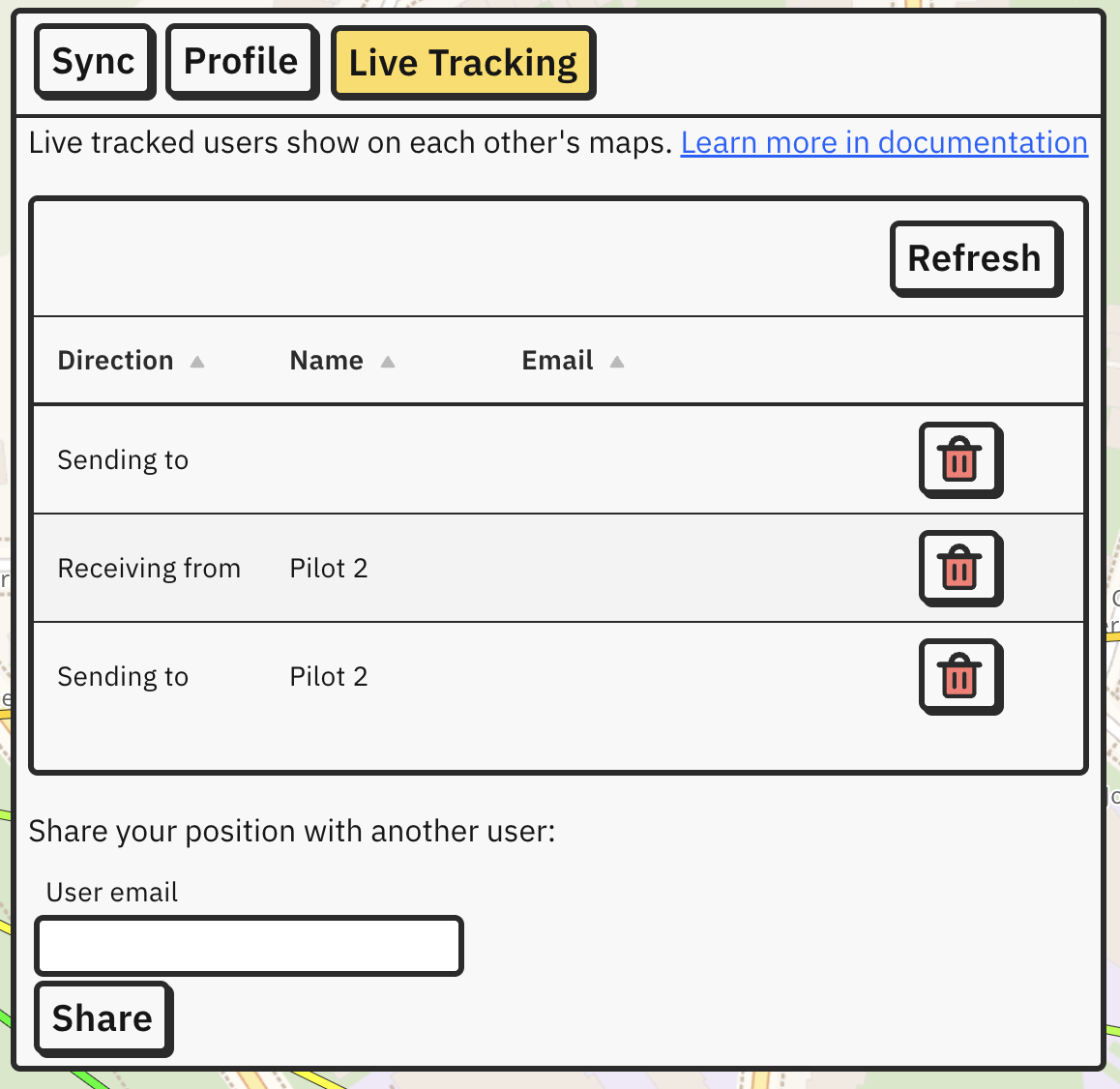
Share your position with another user by entering their account’s email address in the input field at the bottom.
After being invited, user has to accept invitation before position is shared.
List in the middle shows list of users you share your position with or which share their position with you.
If an invitation is not showing up, use the Refresh button to the top right of the list. If you are on small screen, button to accept invitation might not be visible - try scrolling to the right.
Live tracked users are shown on map with blue arrows and blue tracks.
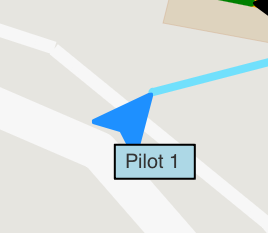
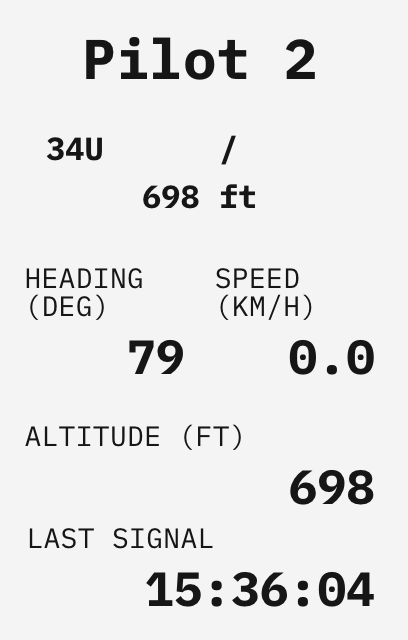
If you click on the icon, user will become selected and will show up in Selected panel. Apart from the usual data, it will include their heading, speed, altitude and last time their signal has been received.
Live tracking data is not being saved on your device or any server. If you close the app, other users’ tracks will disappear and will start from scratch on next launch.
See Crew accounts for requirements and instructions on inviting and managing crew.
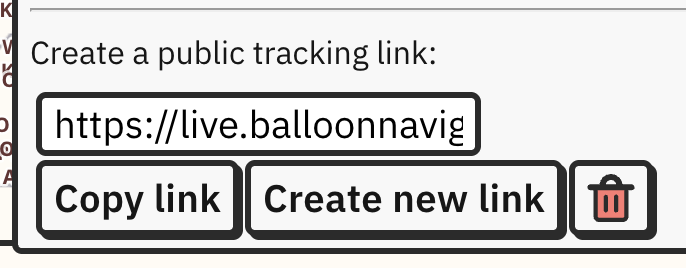
Create link which you can share with others who do not use Balloon Navigator so they can see your position on the map:
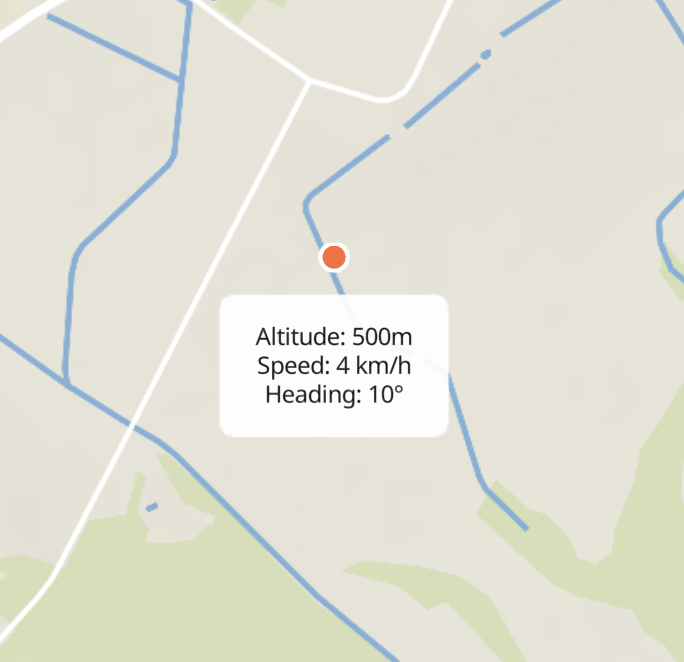
This is how it looks in live sharing app:
Live tracked users have their Windreaders synced and share data if distance between them is within 10 kilometers (this value can be changed in Settings -> Windreader).
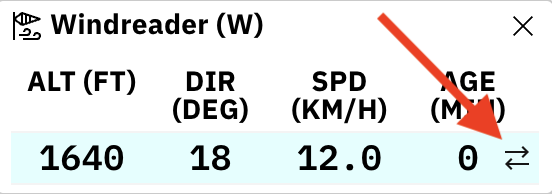
When Windreader receives external data, it will show small arrows icon on the right side of altitude row, indicating that it includes synced measurements.
Windreader sync requires user to have enabled GPS with active signal, be logged in, receive other users position data through Live Tracking and have internet connection.